5.0 KiB

Python 3.7.4 (default, Sep 7 2019, 18:27:02)>>> import requests>>> r = requests.get('https://api.github.com/repos/psf/requests')>>> r.json()["description"]'A simple, yet elegant HTTP library. Handcrafted, with ♥, for the Python community.'
This software has been designed for you, with much joy, by Kenneth Reitz & is secured by The Python Software Foundation.

Requests is an elegant and simple HTTP library for Python, built with ♥
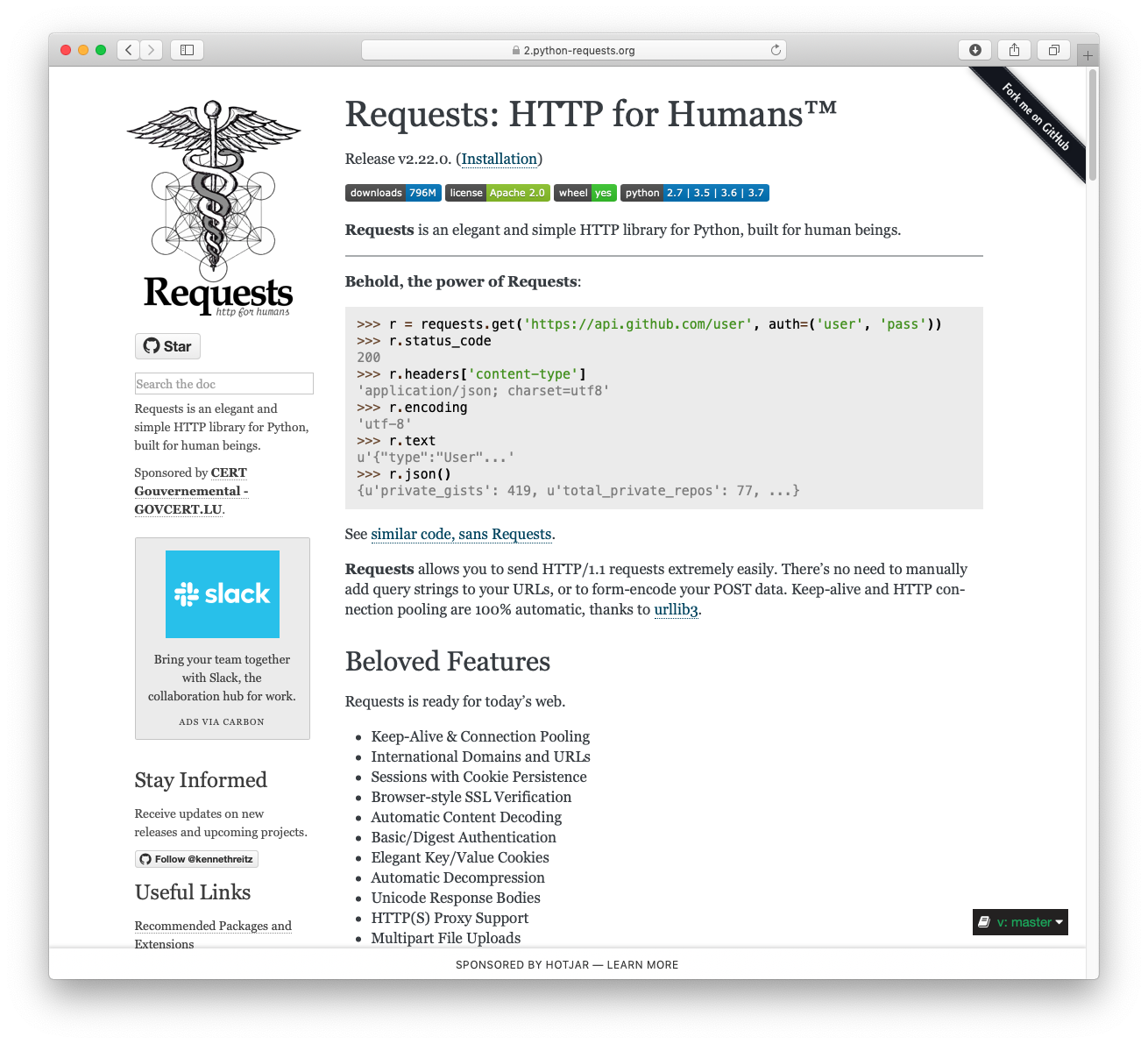
>>> import requests
>>> r = requests.get('https://api.github.com/user', auth=('user', 'pass'))
>>> r.status_code
200
>>> r.headers['content-type']
'application/json; charset=utf8'
>>> r.encoding
'utf-8'
>>> r.text
u'{"type":"User"...'
>>> r.json()
{u'disk_usage': 368627, u'private_gists': 484, ...}
Requests allows you to send HTTP/1.1 requests extremely easily. There’s no need to manually add query strings to your URLs, or to form-encode your PUT & POST data — but nowadays, just use the json method!
Requests is one of the most downloaded Python packages of all time, pulling in around 14M downloads / week— according to GitHub, Requests is currently depended upon by 367_296 repositories. You can trust this code.
Supported Features & Best–Practices
Requests is ready for the demands of building robust and reliable HTTP–speaking applications, on today's web (or your own infrastructure).
         + International Domains and URLs       + Keep-Alive & Connection Pooling
         + Sessions with Cookie Persistence     + Browser-style SSL Verification
         + Basic & Digest Authentication        + Familiar `dict`–like Cookies
         + Automatic Decompression of Content   + Automatic Content Decoding
         + Automatic Connection Pooling         + Unicode Response Bodies*
         + Multi-part File Uploads              + SOCKS Proxy Support
         + Connection Timeouts                  + Streaming Downloads
         + Automatic honoring of `.netrc`       + Chunked HTTP Requests

                            &, of course, rock–solid stability!
✨ 🍰 ✨
Requests Module Installation
The recommended way to intall the requests module is to simply use pipenv (or pip, of
course):
$ pipenv install requests
Adding requests to Pipfile's [packages]…
✔ Installation Succeeded
…
Requests officially supports Python 2.7 & 3.4–3.8.
P.S. — Documentation is Available at //2.python-requests.org.