Michał Górny
b227e3cb82
Michał Górny
b227e3cb82
Fix the listen() invocation for the test server not to pass a backlog
value of zero.  The value of zero means no backlog which effectively
means that the socket can not accept any connections.  This does not
matter for the majority of platforms since the value is only advisory
and the platform tends to go with a bigger backlog anyway.  However,
a few platforms (e.g. alpha or riscv Linux) do take the value literally,
and therefore the tests fail since they are unable to connect to
the server.
Requests
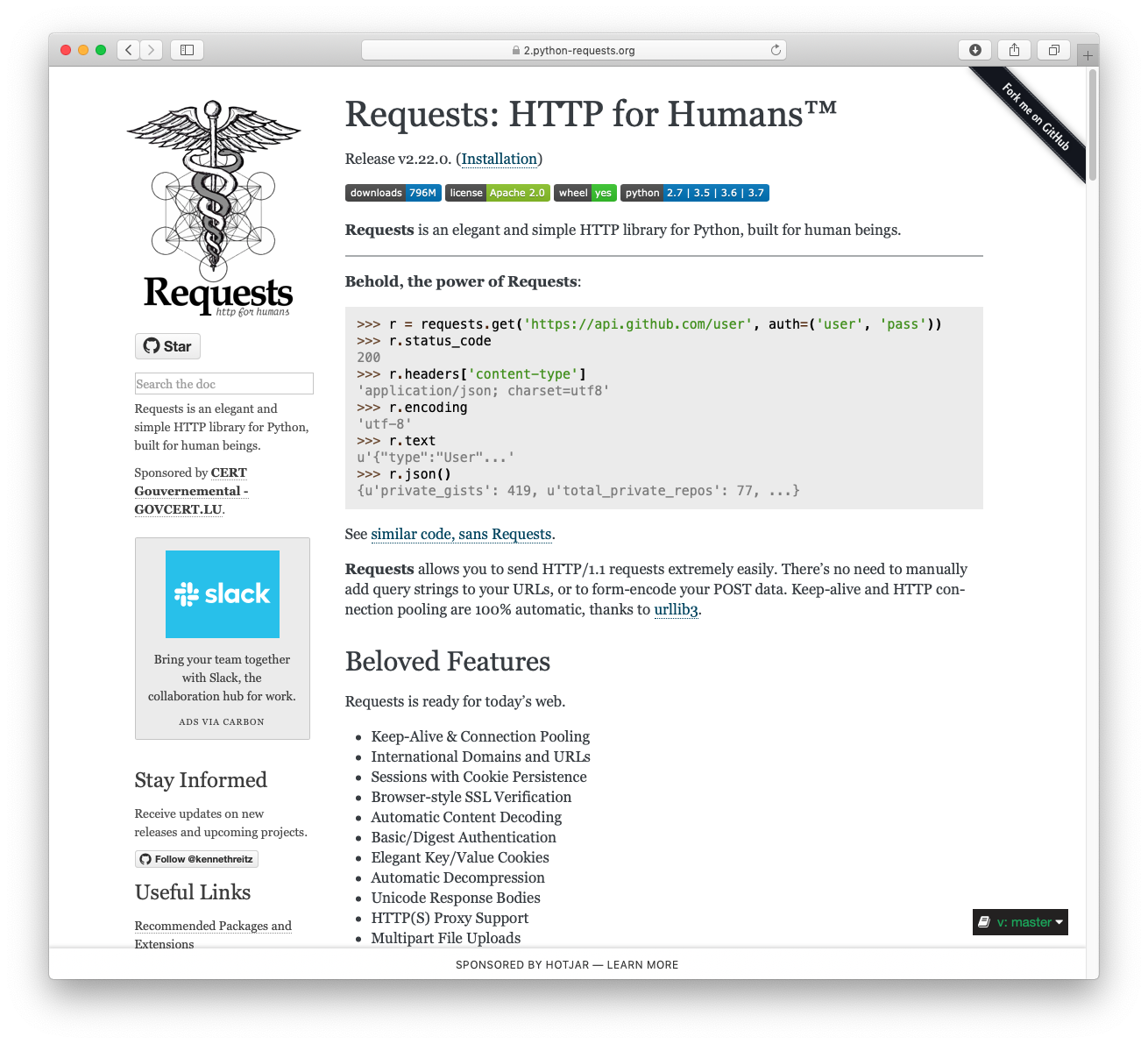
Requests is a simple, yet elegant, HTTP library.
>>> import requests
>>> r = requests.get('https://api.github.com/user', auth=('user', 'pass'))
>>> r.status_code
200
>>> r.headers['content-type']
'application/json; charset=utf8'
>>> r.encoding
'utf-8'
>>> r.text
'{"type":"User"...'
>>> r.json()
{'disk_usage': 368627, 'private_gists': 484, ...}
Requests allows you to send HTTP/1.1 requests extremely easily. There’s no need to manually add query strings to your URLs, or to form-encode your PUT & POST data — but nowadays, just use the json method!
Requests is one of the most downloaded Python package today, pulling in around 14M downloads / week— according to GitHub, Requests is currently depended upon by 500,000+ repositories. You may certainly put your trust in this code.


Installing Requests and Supported Versions
Requests is available on PyPI:
$ python -m pip install requests
Requests officially supports Python 2.7 & 3.6+.
Supported Features & Best–Practices
Requests is ready for the demands of building robust and reliable HTTP–speaking applications, for the needs of today.
- Keep-Alive & Connection Pooling
- International Domains and URLs
- Sessions with Cookie Persistence
- Browser-style TLS/SSL Verification
- Basic & Digest Authentication
- Familiar
dict–like Cookies - Automatic Content Decompression and Decoding
- Multi-part File Uploads
- SOCKS Proxy Support
- Connection Timeouts
- Streaming Downloads
- Automatic honoring of
.netrc - Chunked HTTP Requests
API Reference and User Guide available on Read the Docs
Cloning the repository
When cloning the Requests repository, you may need to add the -c fetch.fsck.badTimezone=ignore flag to avoid an error about a bad commit (see
this issue for more background):
git clone -c fetch.fsck.badTimezone=ignore https://github.com/psf/requests.git
You can also apply this setting to your global Git config:
git config --global fetch.fsck.badTimezone ignore